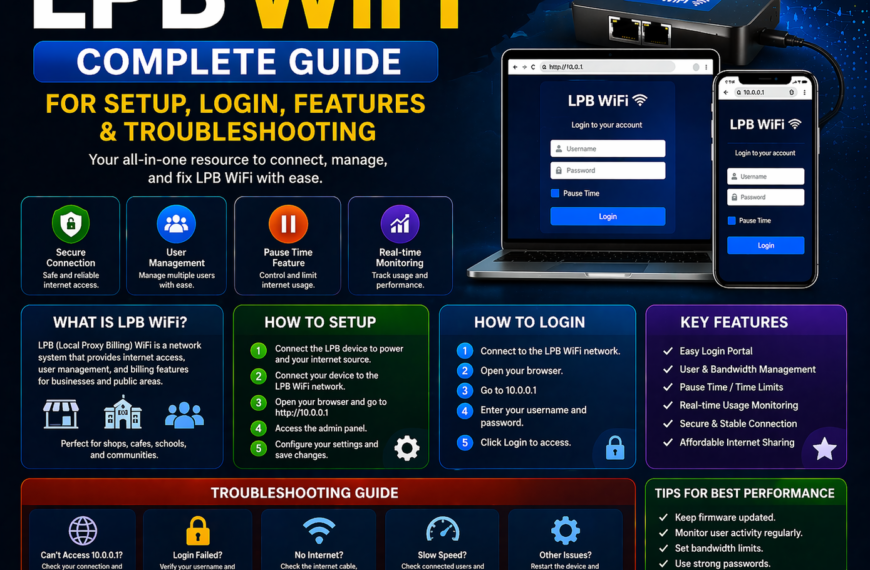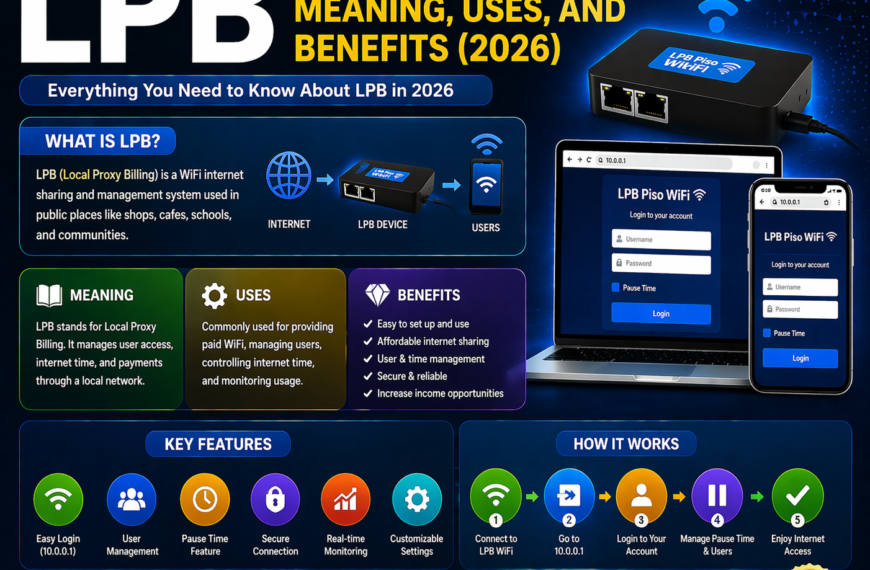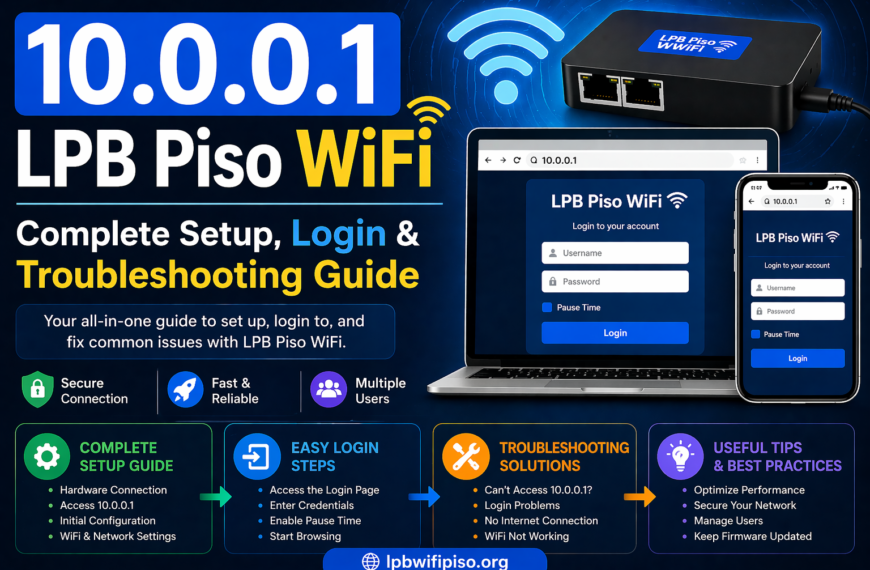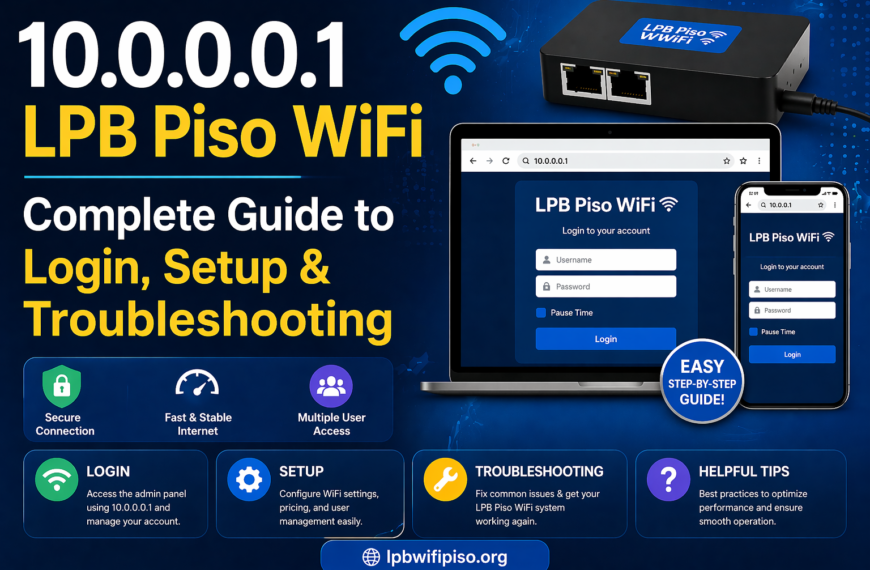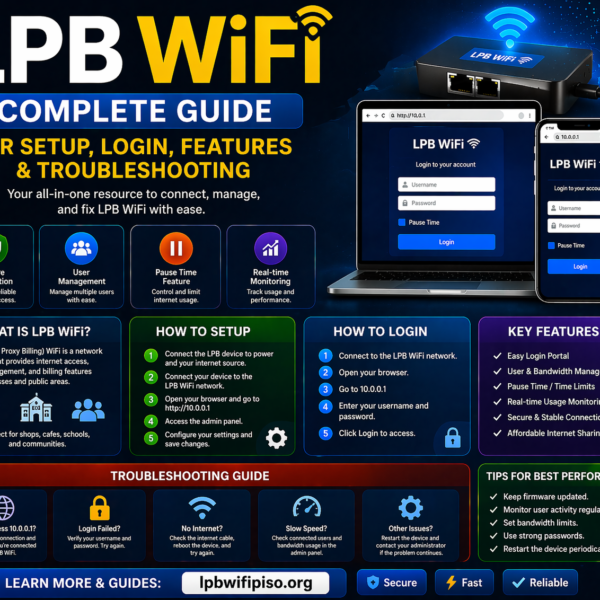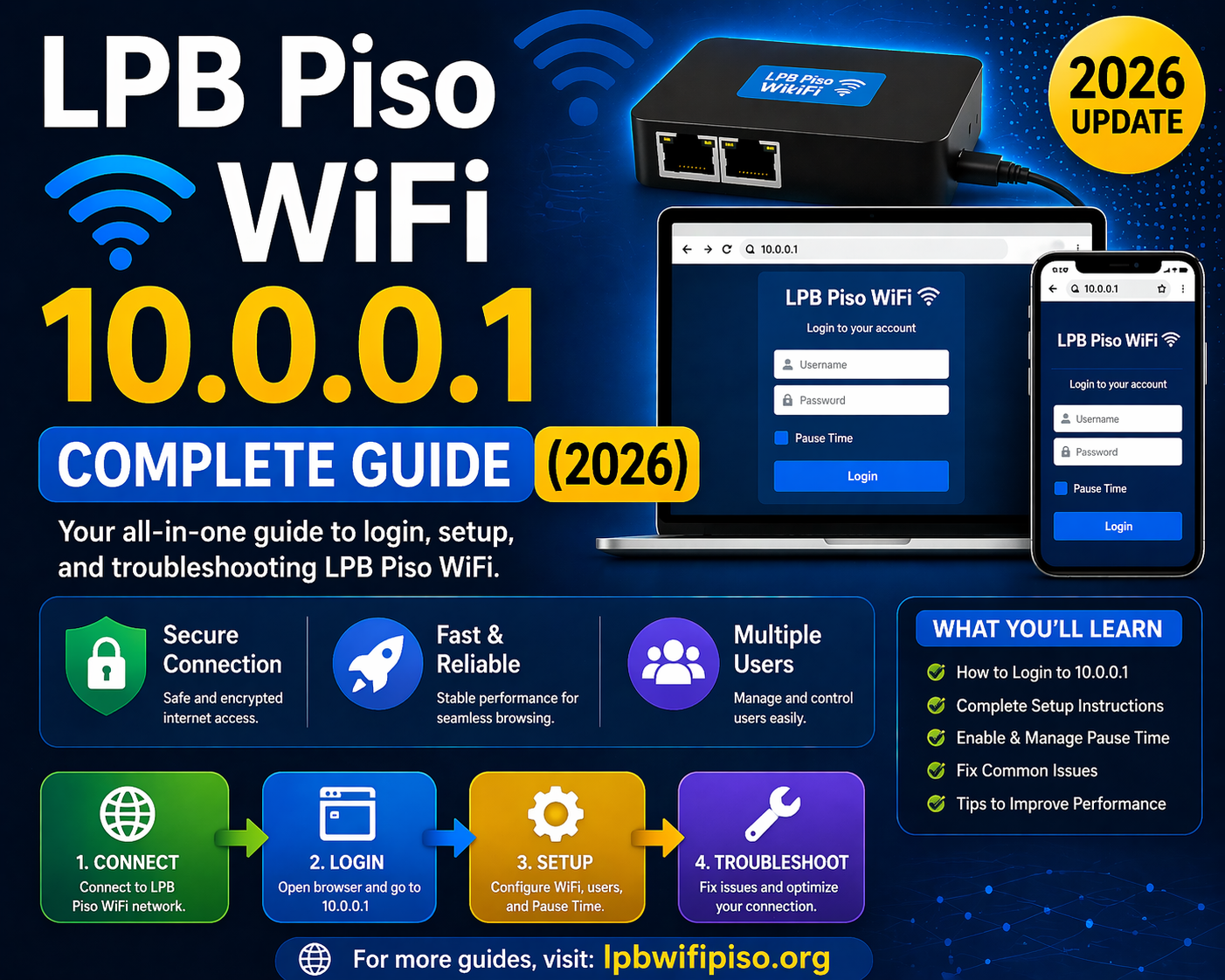
LPB Piso WiFi has become one of the most popular coin-based internet vending systems, especially in areas where affordable internet access is in high demand. The IP address lpb piso wifi 10.0.0.1 plays a central role in managing, configuring, and controlling the entire system. In this complete guide, you will learn everything about LPB Piso WiFi, how to access 10.0.0.1, login steps, features, troubleshooting, and more.
What is LPB Piso WiFi?
LPB Piso WiFi is a prepaid internet system that allows users to access WiFi by inserting coins or making digital payments. It is widely used in public places such as small shops, terminals, and residential areas.
The system works through a router and admin panel, which is accessed using the IP address 10.0.0.1. This address allows the owner or administrator to control settings like pricing, time limits, pause time, and user access.
What is 10.0.0.1 in LPB Piso WiFi?
The IP address 10.0.0.1 is the default gateway used to access the admin dashboard of the LPB Piso WiFi system. It acts as the control panel where the administrator can:
- Manage internet pricing rates
- Monitor connected users
- Enable or disable pause time
- Customize login portal
- Configure network settings
For users, this IP is also used to access the login page when connecting to the Piso WiFi network.
How to Access LPB Piso WiFi 10.0.0.1
Follow these simple steps to access the system:
Step 1: Connect to WiFi
- Turn on WiFi on your device
- Connect to the LPB Piso WiFi network
Step 2: Open Browser
- Open any web browser (Chrome, Edge, Safari, etc.)
Step 3: Enter IP Address
- Type http://10.0.0.1 in the address bar
Step 4: Access Portal
- You will be redirected to the login or admin panel
LPB Piso WiFi Admin Login Guide
To manage the system, you need admin access.
Admin Login Steps:
- Go to 10.0.0.1/admin
- Enter your username and password
- Click on login
After logging in, you will see the dashboard where you can control all system settings.
Features of LPB Piso WiFi 10.0.0.1
1. User Management
- View active users
- Disconnect or block users
- Monitor usage time
2. Pause Time Feature
- Users can pause their internet time
- Saves unused minutes for later use
3. Rate Configuration
- Set pricing (e.g., 1 coin = 5 minutes)
- Customize packages
4. Voucher System
- Generate WiFi vouchers
- Sell prepaid access
5. Dashboard Monitoring
- Real-time analytics
- Income tracking
- Usage reports
6. Custom Portal Design
- Modify login page
- Add branding or messages
How to Use Pause Time in LPB Piso WiFi
Pause time is one of the most useful features.
Steps to Use:
- Connect to the network
- Login via 10.0.0.1
- Start your session
- Click on Pause Time when not using internet
- Resume anytime
This feature helps users save money and data time.
Common Issues and Fixes
1. Cannot Access 10.0.0.1
- Ensure you are connected to the correct WiFi
- Clear browser cache
- Try a different browser
2. Login Page Not Loading
- Restart your device
- Check router connection
- Disable mobile data
3. Slow Internet Speed
- Too many users connected
- Bandwidth limit reached
- Check ISP connection
4. Admin Panel Not Opening
- Verify IP address
- Use correct login credentials
- Restart the router
Benefits of Using LPB Piso WiFi
- Affordable internet access
- Easy setup and management
- Passive income source
- Flexible pricing system
- User-friendly interface
Tips for Better Performance
- Regularly update firmware
- Limit bandwidth per user
- Place router in central location
- Secure admin credentials
- Monitor daily usage
Conclusion
LPB Piso WiFi 10.0.0.1 is the backbone of managing a Piso WiFi system. It allows both users and administrators to control internet access efficiently. Whether you want to configure pricing, monitor users, or use features like pause time, everything is handled through this simple IP address. By understanding how to access and use 10.0.0.1 properly, you can maximize both performance and profitability of your Piso WiFi setup.
FAQs
1. What is LPB Piso WiFi 10.0.0.1?
It is the default IP address used to access the admin panel and user portal of the LPB Piso WiFi system.
2. How do I login to LPB Piso WiFi?
Connect to the network, open a browser, and enter 10.0.0.1, then use your login credentials.
3. Why is 10.0.0.1 not working?
It may be due to network issues, wrong connection, or browser problems. Try reconnecting or restarting your device.
4. What is pause time in Piso WiFi?
Pause time allows users to stop their session and save remaining time for later use.
5. Can I change pricing in LPB Piso WiFi?
Yes, you can set custom rates through the admin dashboard.
6. Is LPB Piso WiFi profitable?
Yes, it is a low-cost business model that can generate steady income in high-traffic areas.
7. How do I access admin settings?
Go to 10.0.0.1/admin and login with admin credentials.
8. Can multiple users connect at the same time?
Yes, multiple users can access the network depending on bandwidth and router capacity.