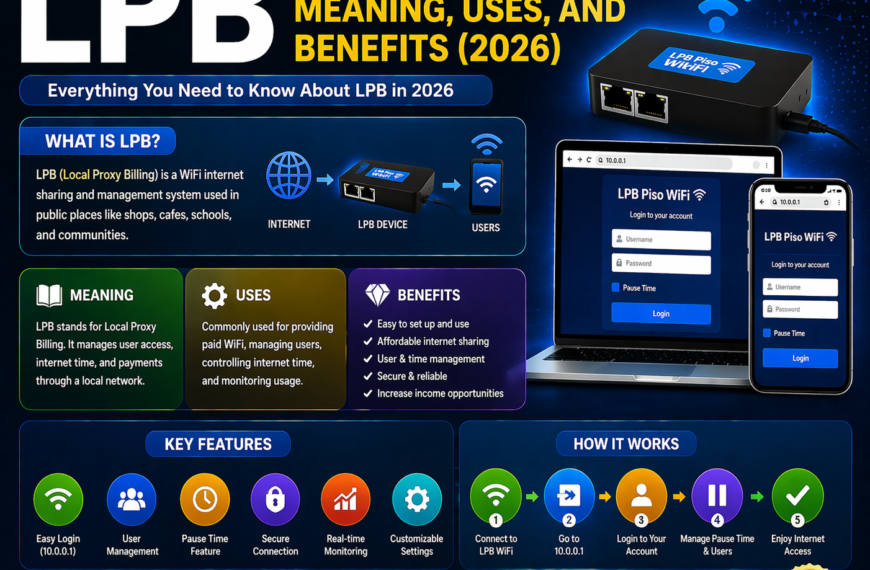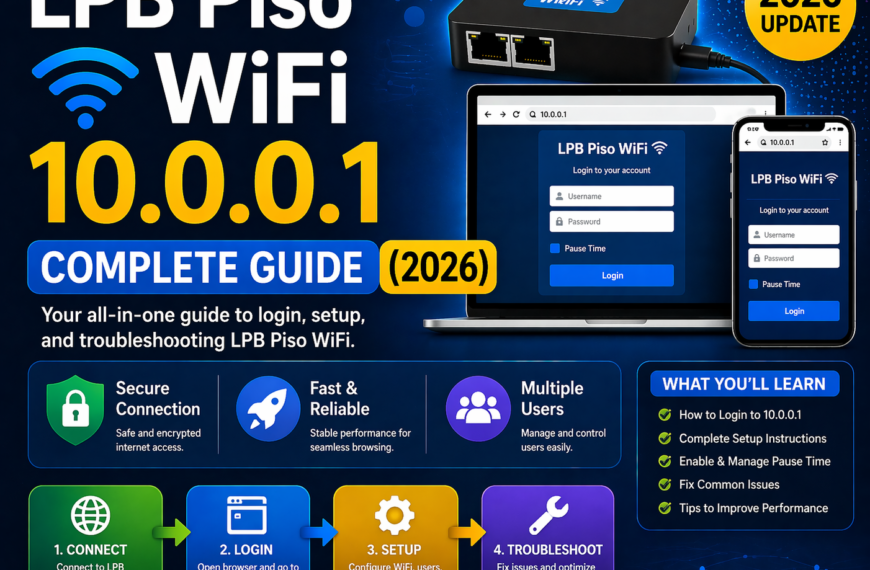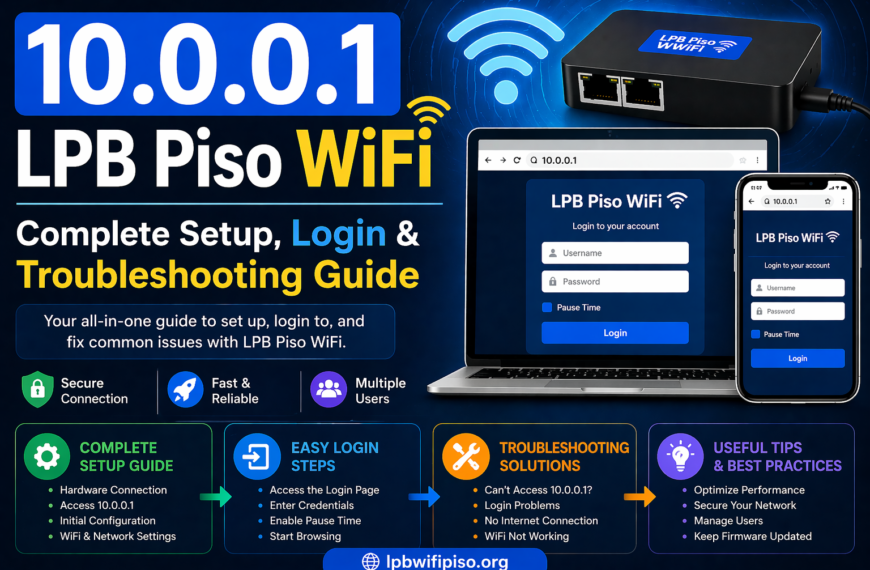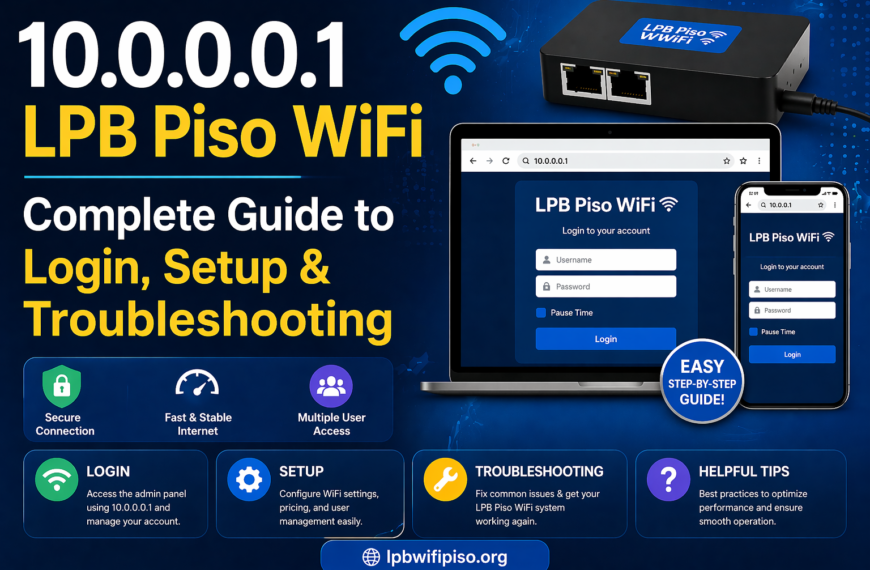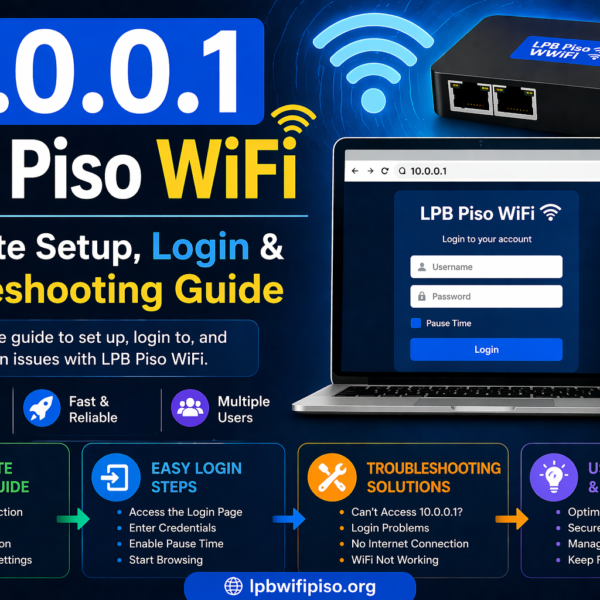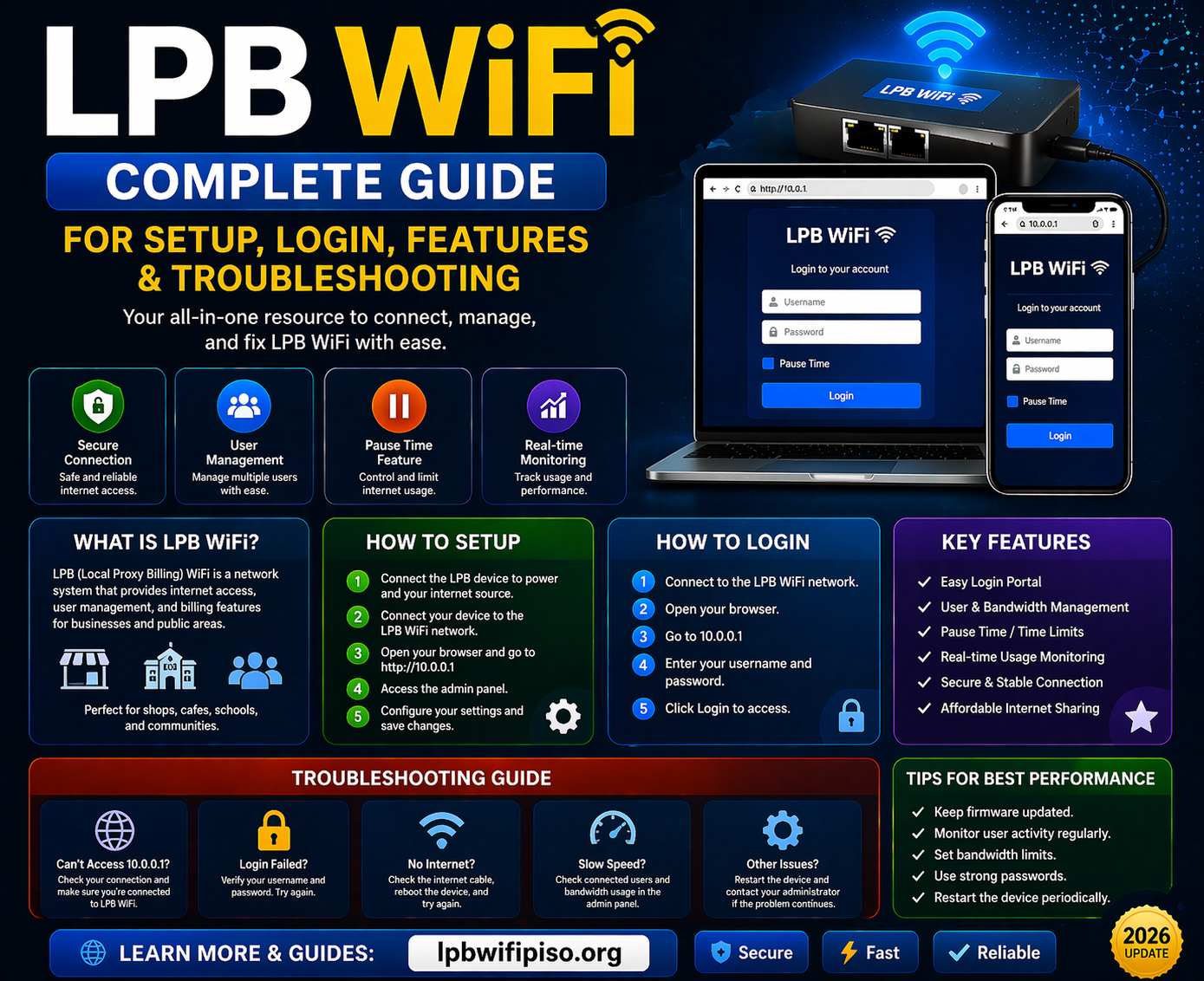
LPB WiFi has become a popular solution for providing affordable and controlled internet access, especially in small businesses, public areas, and residential setups. It is widely used in coin-based or voucher-based internet systems, allowing users to manage access efficiently while generating revenue.
In this detailed guide, you will learn everything about LPB WiFi, including how it works, how to set it up, login steps, key features, benefits, and common troubleshooting methods.
What is LPB WiFi?
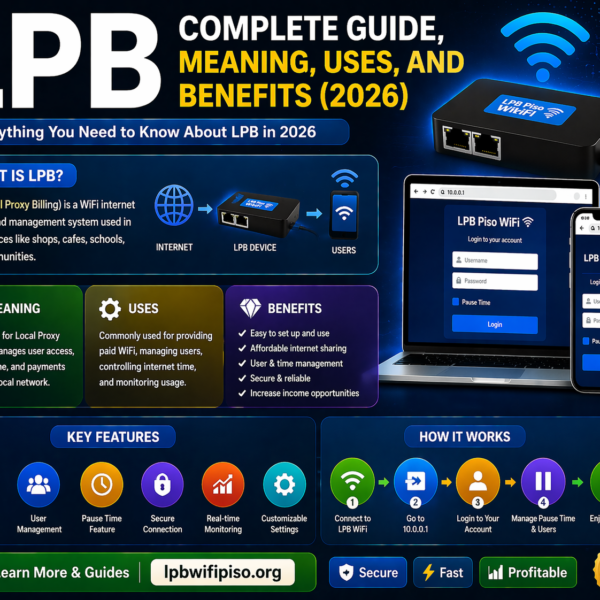
LPB WiFi is a network management system commonly used in Piso WiFi setups. It allows administrators to control internet usage by offering time-based access to users. Typically, users connect to the WiFi network and enter a local IP address (such as 10.0.0.1) to access the login portal.
It is especially popular in areas where affordable, pay-per-use internet services are needed.
How LPB WiFi Works
LPB WiFi operates through a simple and user-friendly system:
- A router broadcasts a WiFi signal.
- Users connect to the network.
- They are redirected to a login portal.
- Users either insert coins (in Piso setups) or enter vouchers.
- Internet access is granted based on the purchased time.
The system tracks usage and automatically disconnects users once their time expires.
Key Features of LPB WiFi
1. User Login Portal
LPB WiFi provides a built-in login page where users can easily access the internet by entering credentials or inserting coins.
2. Pause Time Feature
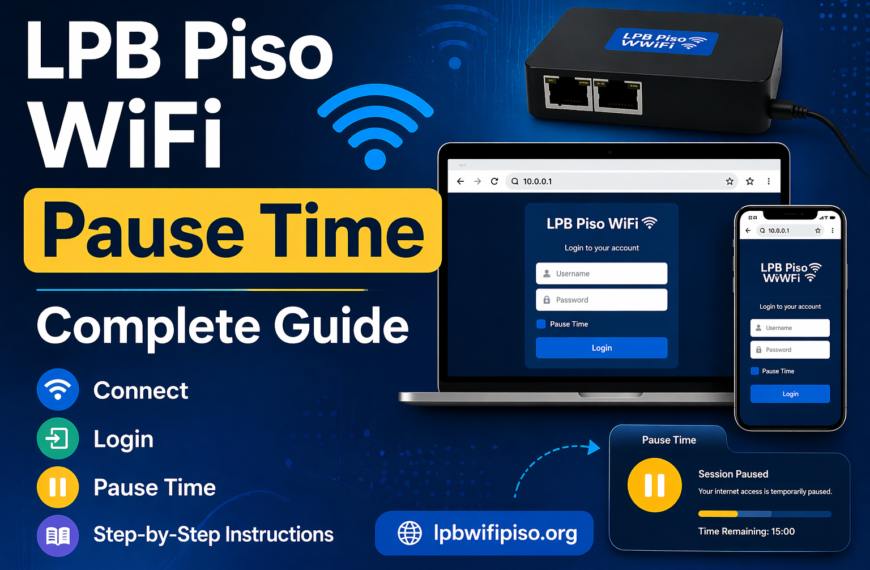
One of the most useful features is pause time. Users can pause their internet session and resume it later without losing their remaining time.
3. Time-Based Access Control
Admins can define how much time is given per payment or voucher, ensuring fair usage.
4. Admin Dashboard
The system includes an admin panel where you can:
- Monitor users
- Control bandwidth
- Set pricing
- Manage vouchers
5. Bandwidth Management
LPB WiFi allows you to control internet speed for each user, preventing network congestion.
6. Voucher System
Instead of coins, you can generate vouchers for users to access WiFi.
How to Setup LPB WiFi
Setting up LPB WiFi is straightforward if you follow these steps:
Step 1: Prepare Equipment
You will need:
- A router
- LPB WiFi system/software
- Internet connection
- Optional coin slot machine
Step 2: Connect Hardware
- Connect your router to the internet source.
- Set up the LPB WiFi device with the router.
Step 3: Access Admin Panel
- Open a browser
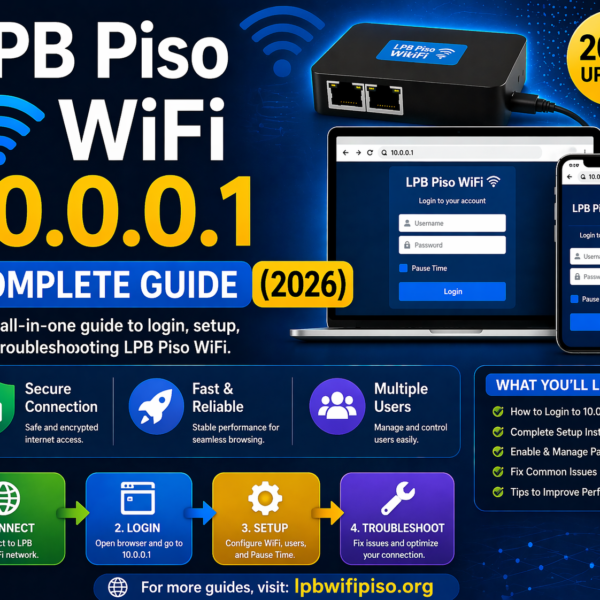
- Enter the default IP address (usually 10.0.0.1)
- Login using admin credentials
Step 4: Configure Settings
- Set pricing (e.g., 1 coin = 5 minutes)
- Adjust bandwidth limits
- Enable pause time if needed
Step 5: Test the System
Connect a device and ensure the login portal appears and works properly.
How to Login to LPB WiFi
Follow these steps to access the LPB WiFi portal:
- Connect to the WiFi network
- Open your browser
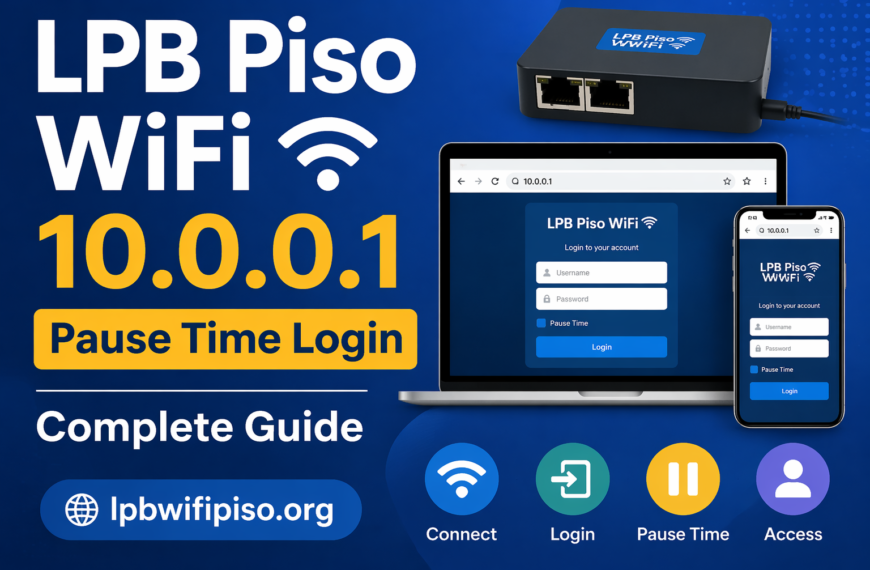
- Enter the IP address (e.g., 10.0.0.1)
- The login page will appear
- Enter voucher code or insert coins
- Start browsing
Benefits of Using LPB WiFi
Affordable Internet Access
Users can pay only for the time they need, making it budget-friendly.
Easy to Manage
The admin dashboard simplifies monitoring and controlling users.
Ideal for Small Businesses
Perfect for:
- Internet cafés
- Boarding houses
- Small shops
- Public WiFi zones
Revenue Generation
You can earn money by offering paid WiFi access.
Flexible Usage
Pause time allows users to control their internet consumption efficiently.
Common Issues and Troubleshooting
1. Cannot Access Login Page
- Check if you are connected to the correct network
- Try entering the IP address manually
- Restart the router
2. Slow Internet Speed
- Too many users connected
- Adjust bandwidth settings in admin panel
3. Voucher Not Working
- Ensure the voucher is valid
- Check if it has already been used
4. No Internet After Login
- Verify internet connection from ISP
- Restart the system
5. Pause Time Not Working
- Ensure the feature is enabled in settings
- Check firmware compatibility
Tips to Optimize LPB WiFi Performance
- Limit the number of connected users
- Set fair bandwidth allocation
- Regularly update firmware
- Use strong router hardware
- Monitor usage daily
Security Considerations
To keep your LPB WiFi system secure:
- Change default admin credentials
- Use strong passwords
- Limit admin access
- Regularly monitor logs
- Disable unused features
Read more: LPB Piso Wifi Pause Time Explained
Conclusion
LPB WiFi is a powerful and flexible solution for managing and monetizing internet access. Whether you are running a small business or setting up a community network, it provides essential tools like user control, bandwidth management, and a convenient login system. With features like pause time and voucher access, LPB WiFi ensures both administrators and users have a smooth and efficient experience. Proper setup, regular maintenance, and smart configuration can help you get the most out of your LPB WiFi system.
FAQs
1. What is LPB WiFi used for?
LPB WiFi is used to provide controlled and paid internet access through a login portal system.
2. How do I access the LPB WiFi login page?
Connect to the network and enter the IP address (such as 10.0.0.1) in your browser.
3. What is pause time in LPB WiFi?
Pause time allows users to temporarily stop their internet session and resume later without losing remaining time.
4. Can I use LPB WiFi without a coin machine?
Yes, you can use vouchers instead of coins.
5. Why is my LPB WiFi slow?
It may be due to too many users or improper bandwidth settings.
6. Is LPB WiFi good for business?
Yes, it is ideal for small businesses to offer paid WiFi services and generate income.
7. How do I fix login issues?
Check your connection, restart the router, and ensure the IP address is correct.
8. Can I control user speed in LPB WiFi?
Yes, bandwidth management allows you to set speed limits for users.